I earn commissions when you sign up or buy through the affiliate links on this page, at no extra cost to you.
Homelab · Alternative · By Mohammed Almuhanna · Updated
Self-Hosted Microsoft Office Alternative: OnlyOffice
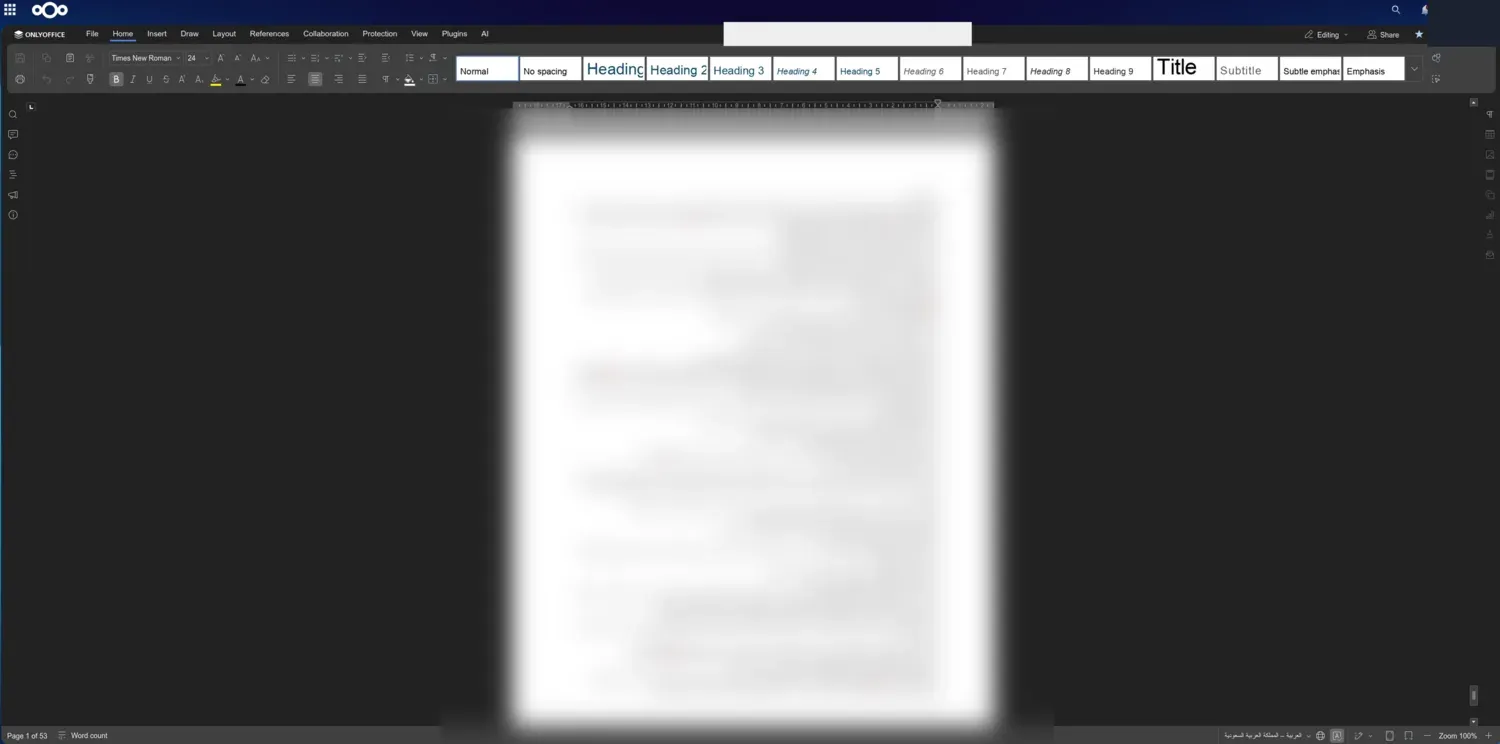
OnlyOffice came clutch when I was doing my grad project. Before it, I wrote in LibreOffice, handed documents in, and a professor would open the file in Word with the formatting wrecked, because LibreOffice renders differently from Office. It kept happening. I moved to OnlyOffice and it stopped. A .docx I make opens in Word looking the way I left it, and I have it wired into my Nextcloud so a document opens straight into the OnlyOffice editor in the browser.
What actually went wrong with LibreOffice
LibreOffice is good software and I am not knocking it for your own work. The trouble starts the moment a file leaves your machine. I would lay a document out in LibreOffice, save it as a .docx, and it looked right to me. Then someone on actual Microsoft Office opened it and the formatting had shifted, sometimes badly. My professors saw it on work I handed in. That is not a maybe, it is what LibreOffice does, because its engine renders Word's format differently from Word itself. For a grad project where the person grading you opens everything in Office, that is a real problem, and it is the reason I went looking for something else.
Why I land on OnlyOffice
OnlyOffice is built around Microsoft's own document formats, so a .docx, .xlsx, or .pptx made in it opens in Word, Excel, or PowerPoint looking the way I left it. That fidelity is the only reason I run it. Use it if you hand files to anyone on Office and you are tired of them arriving wrecked. If you never share a document and you already get on with LibreOffice, stay where you are, I would not push you off it. The Docs server you self-host is heavy for what it is, so most people are happier with the free desktop editors unless they specifically want browser editing. The interface copies Microsoft Office closely, which suits me, since that is what I came from. I could not justify paying for a suite when something this good is already free.
How it stacks up against Collabora and LibreOffice
Collabora Online is the other suite that drops into Nextcloud for browser editing. It runs on LibreOffice's engine, which means it inherits the same rendering differences from Word that sent me away from LibreOffice in the first place. It is fine if you stay inside its own formats, and the weaker choice the moment strict Word fidelity is what you need. LibreOffice itself is the free desktop suite most people know, and it is genuinely good for documents that never leave you. It is also the exact thing that burned me. Open a LibreOffice-saved .docx in Word and the formatting can shift, which is great for your own files and a real risk for anything you pass to an Office user.
Running the Docs server
The OnlyOffice Docs server does real work converting and rendering documents, so it wants more than a trivial container. The desktop editors run on any normal PC with no server at all. If you self-host the server, give it headroom, especially when it sits next to Nextcloud on the same box.
| Setup | RAM | Reality |
|---|---|---|
| Raspberry Pi 5 / SBC | 4 GB+ | Tight for the Docs server and sluggish under real use, but fine for one person. The desktop editors run well on any laptop regardless. |
| N100 mini PC | 8 GB+ | Comfortable for the Docs server and a household, with room to sit alongside Nextcloud. |
| NAS or server | 8 GB+ | How mine runs, with OnlyOffice wired into Nextcloud on the same box. |
Check the running cost with the homelab power calculator, and if you would host it on a server alongside your files, the Nextcloud guide covers that side.
What you stop paying Microsoft
Microsoft 365 is a subscription you keep paying. In mid-2026 it runs roughly 70 to 100 dollars a year for one person and 100 to 130 for a family, depending on whether you take the Copilot plan or the cheaper Classic one. Those figures move, so check Microsoft's current pricing page. OnlyOffice costs nothing. The community Docs server you self-host and the desktop editors are both free, so you only pay for hardware you probably already run for other things. Over a few years that is a few hundred dollars kept rather than spent. Put your own numbers into the self-hosting vs SaaS cost calculator, prefilled with a mid-range Microsoft 365 price to see the gap for your situation.
Standing it up next to Nextcloud
There is almost nothing to migrate, because OnlyOffice opens your existing Word, Excel, and PowerPoint files directly. You self-host the Docs server, connect it to Nextcloud, and your documents are editable in the browser, or you install the desktop editors and open files the usual way. The one real step is standing up the Docs server and its Nextcloud connector. That is more work than a single container, but it is well documented and you do it once.
Upkeep is light once it runs. The Docs server updates now and then, and if it lives next to Nextcloud you are maintaining that box anyway. Put it on a UPS along with the rest of your stack so an outage does not eat a save. See what size UPS you need.
When I would tell you to stay on Microsoft 365
Stay on Microsoft 365 if you lean on the most advanced Excel features, heavy macros, or Office-only add-ins. The real thing is still the safe call for that kind of power use. And if you never share files with anyone on Office and you already get on with LibreOffice, moving is not worth your time. OnlyOffice is for the rest of us, the people who want a free suite whose documents do not fall apart the second a Word user opens them.
Questions people ask
Does OnlyOffice open Microsoft Office files correctly?
Yes, and that is what it is good at. It is built on the same document formats Microsoft uses, so Word, Excel, and PowerPoint files round-trip far more cleanly than they do through LibreOffice. That fidelity is why I switched.
OnlyOffice or LibreOffice?
Both are free. OnlyOffice keeps Microsoft formatting intact when a file crosses to Word. LibreOffice shifts it, which is exactly what burned me. If other people open your documents in Office, pick OnlyOffice. For purely personal use, either is fine.
Do I need a server to use OnlyOffice?
For editing in the browser from Nextcloud, yes, you run the Docs server. The desktop editors need no server at all and give you the same Microsoft Office fidelity on your own machine.
Can OnlyOffice edit files inside Nextcloud?
Yes. Wire the Docs server into Nextcloud and opening a document there edits it in OnlyOffice in the browser. That is how I run mine.
Microsoft 365 is a trademark of Microsoft Corporation. Dalil Tech is not affiliated with or endorsed by it.