I earn commissions when you sign up or buy through the affiliate links on this page, at no extra cost to you.
Homelab · Guide · By Mohammed Almuhanna · Updated
RAID vs unRAID
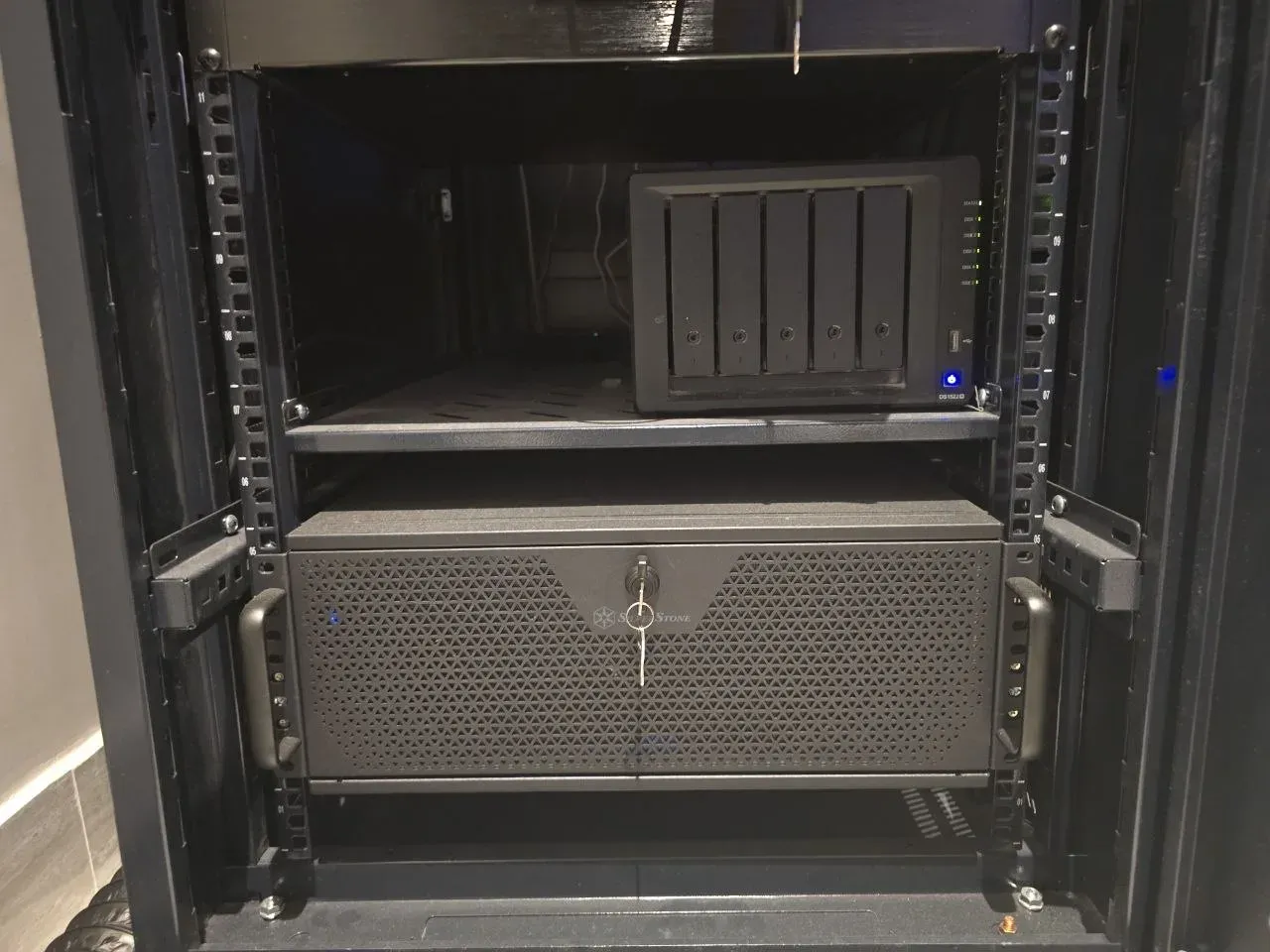
Traditional RAID and ZFS stripe data across every disk in the array. unRAID instead writes whole files to individual disks and protects them with one or two dedicated parity disks. That one design choice drives every real difference between them. I run a Synology on SHR-1 because I wanted a tidy appliance I do not have to babysit, and my drives are matched, so SHR behaves like plain RAID 5 there anyway, which is the boring, predictable behavior I was after. If your drive shelf is a pile of mismatched disks you bought over years, that is exactly what unRAID is built for.
The quick verdict
If your drives are a mismatched pile and you want a power-efficient media and file server, run unRAID. If you want raw performance and block-level data integrity, run ZFS or RAIDZ. And if you just want a boring appliance that runs matched drives and stays out of the way, a Synology on SHR is what I run. Whatever you pick, keep a real backup, because none of these is one.
Capacity and mixing drives
This is the one that decides it for most people. Striped RAID and RAIDZ want matched disks, and the array sizes itself to the smallest one, so a single 4TB drive dropped into a stack of 12s wastes most of those 12s. unRAID does not care. It takes whatever disks you have, mixes sizes freely, and lets you add one disk at a time, as long as a parity disk is at least as large as your biggest data disk. I run matched drives precisely so I never have to think about this. But if your shelf is the usual pile of disks bought over years, unRAID was built for exactly that mess.
Performance
Striped RAID and RAIDZ spread every read and write across all the disks, so throughput scales up with the array. unRAID reads at the speed of one disk and writes slower than that, because every write also has to update parity. For a media server, where you are streaming a file or two at a time, you will never feel it. For a database, a busy Docker host, or anything doing heavy random IO, you will, and that is where ZFS wins.
Failure behavior
Failure behavior is where they split. If you push a striped RAID or RAIDZ array past its parity count, the whole thing goes, every disk, including the ones that never failed. unRAID fails softer. Because each disk holds complete files, losing more disks than parity only costs you the data on the disks that actually died, and the rest stays readable. That containment is unRAID's real signature, and it is a good reason to pick it for a large media pile you would rather not lose all at once.
Whichever you pick, it is not a backup
This is the part people skip, and it is the one that actually bites. RAID, RAIDZ, and unRAID all save you when a disk dies. None of them save you from deleting the wrong folder, from ransomware, from a bad write, or from the box being fried or stolen. I run single parity, SHR-1, which is the RAID 5 class, and I sleep fine, but only because there is a real offsite backup sitting behind it. Run whatever array suits you, then keep a separate copy somewhere else. If the array is your only copy, you do not have a backup. You have a single point of failure with extra steps.
Which to choose
If your build is a mixed pile of drives feeding a media and file server, and you want it power-efficient and easy to grow, pick unRAID. If you want raw performance, block checksumming that catches silent corruption, and snapshots, pick ZFS or RAIDZ. And if you just want a tidy appliance that runs matched drives and stays out of your way, a Synology on SHR is the boring choice I made and have not regretted. Model any of them in the storage calculator, or read how RAIDZ works.
| Striped RAID / RAIDZ | unRAID | Synology SHR | |
|---|---|---|---|
| Mixed drive sizes | No, sizes to the smallest disk | Yes, any sizes | Yes, within reason |
| Read and write speed | Scales across all disks | Single-disk speed | RAID-class |
| If failures exceed parity | Whole array is lost | Only the dead disks are lost | Whole array is lost |
| Best for | Performance and integrity | Mixed-drive media server | A boring, tidy appliance |
Common questions
Is RAID a backup?
No, and treating it like one is the mistake that costs people their data. RAID, RAIDZ, and unRAID all survive a dead disk, but none survive a deleted folder, ransomware, a bad write, or the whole box dying or being stolen. Keep a separate offsite backup. I run single parity and trust it only because there is a real backup behind it.
Can unRAID mix different drive sizes?
Yes, that is its signature strength. unRAID lets you mix any drive sizes and grow one disk at a time, as long as a parity disk is at least as large as your biggest data disk. Striped RAID and RAIDZ instead want matched disks and size the array to the smallest one.
Is unRAID slower than RAID or ZFS?
For most workloads, yes. unRAID reads at single-disk speed and writes slower still because each write also updates parity, while striped RAID and RAIDZ spread reads and writes across all disks so throughput scales. For a media server that is usually fine; for databases or heavy IO it is not.
What happens if more disks fail than parity covers?
unRAID is more graceful here. Because each disk holds complete files, losing more disks than parity only loses the data on the failed disks, not the whole array. With striped RAID or RAIDZ, exceeding the parity count loses the whole array, including the disks that were still fine.
Should I pick unRAID or ZFS?
Pick unRAID for a mixed-drive, power-efficient media and file server where containment and flexibility matter most. Pick ZFS or RAIDZ for performance, block checksumming, and snapshots. Match the model to what the box actually does.